1. Set up Tax Authority
- Go to Tourist Tax → Tax Authorities.
- Add your local Kurverwaltung and select Gästemeldung über Stellar → Andere
2. Add Tax Rates
- Choose whether the tax is charged per night or per day.
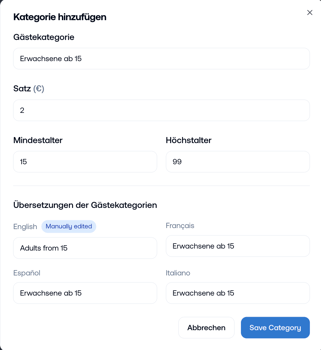
- Add all relevant tax categories with their respective minimum and maximum age (e.g. adults, children, seniors, ...).
3. Define Seasonality
- Flat Rate → if the tourist tax is the same all year.
- Repeating Seasons → if there are high/low season differences (e.g. higher tax in summer).
- Individual Seasons → if tax rates change from year to year (_coming soon_).
4. If applicable: Select excluded channels and set the maximum number of nights for which tourist tax is charged
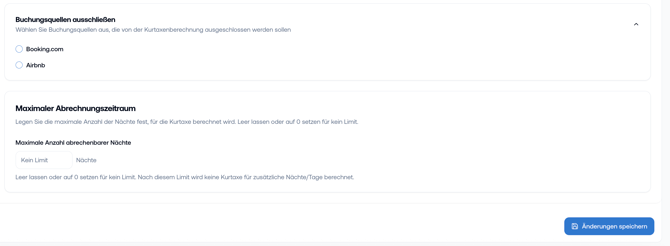
5. Important: click on "Save Changes" once you completed the configuration
6. Activate tourist tax so it is charged during check-in

---